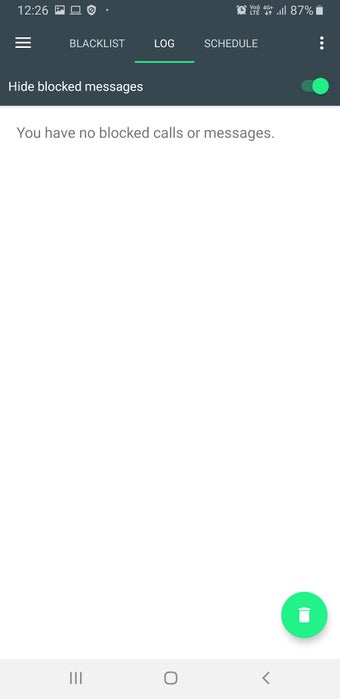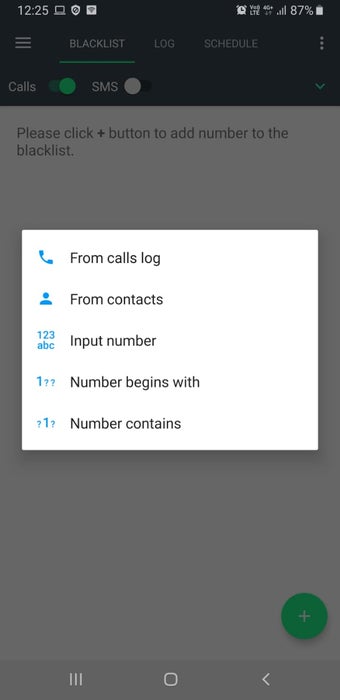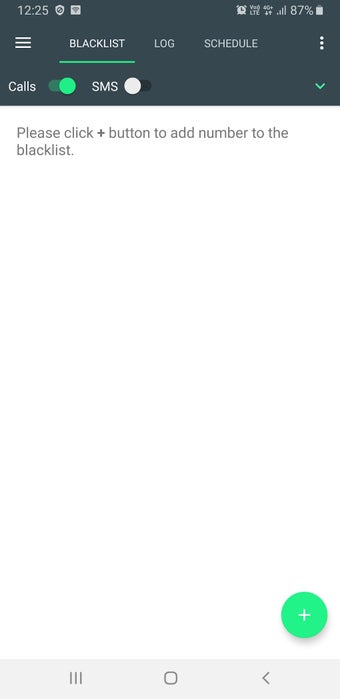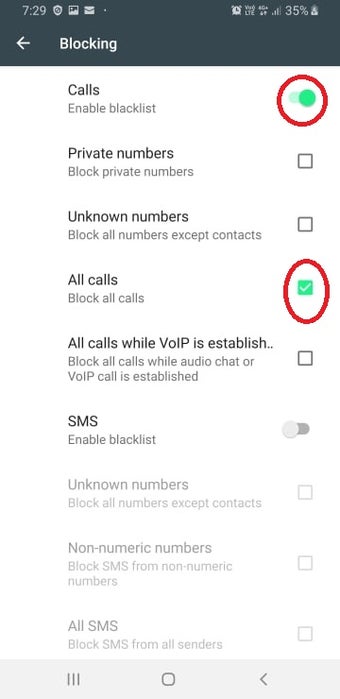
How to Block Unwanted Text and Phone Calls

We are committed to providing you with a high-quality product that will work with your phone. With this application, you can easily block unwanted text and phone calls.

How do I use the app?

First, install this app on your phone or tablet. You will then be able to set your phone or tablet as the default messaging app.

When an incoming message or call is received, the app will display a notification on your phone.

You can enable or disable the notification, or you can simply hide it from your notifications.

You can also disable messages from specific contacts.

You can also use the app to block calls.

The app will display a notification when there are new messages or calls.

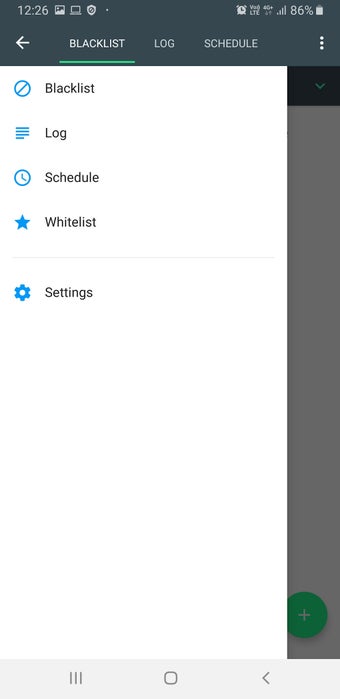
If you want to block all SMS messages from a number, you can simply add that number to the block list.

You can also block calls from specific numbers.

The app will display a notification when there are new calls or messages.

You can enable or disable the notification.

It requires permissions to get access to the device.

You can find more information on the official website.
 0/5

App specs

  • License

    Free

  • Version

    3.2.56

  • Latest update

  • Platform

    Android

  • OS

    Android 9.0

  • Language

    English

    Available languages

    • English
    • German
    • Hindi
    • Russian
    • Finnish
    • French
    • Swedish
    • Portuguese
    • Greek
    • Italian
    • Spanish
    • Arabic
    • Japanese
    • Polish
    • Danish
    • Dutch
    • Turkish
    • Korean
  • Downloads

    3

  • Developer

  • Download Options

    Google Play

Program available in other languages


User reviews about Calls Blacklist Free - spam blocking

Have you tried Calls Blacklist Free - spam blocking? Be the first to leave your opinion!

Add review

You may also like

Explore Apps

Latest articles

Laws concerning the use of this software vary from country to country. We do not encourage or condone the use of this program if it is in violation of these laws.
Softonic

Is Calls Blacklist Free - spam blocking safe?

100/100

Score result: Clean

This app is available directly from the official Google Play Store. Since the official app stores maintain their own rigorous security standards and review processes, we rely on their trusted distribution platform rather than performing additiona scans. You can download with confidence knowing this comes straight from the verified source.

  • Virus free
  • Spyware free
  • Malware free